 MicroURL
All guides
API keys & the REST API
Create and manage links from your own scripts or app, instead of clicking through the dashboard.
1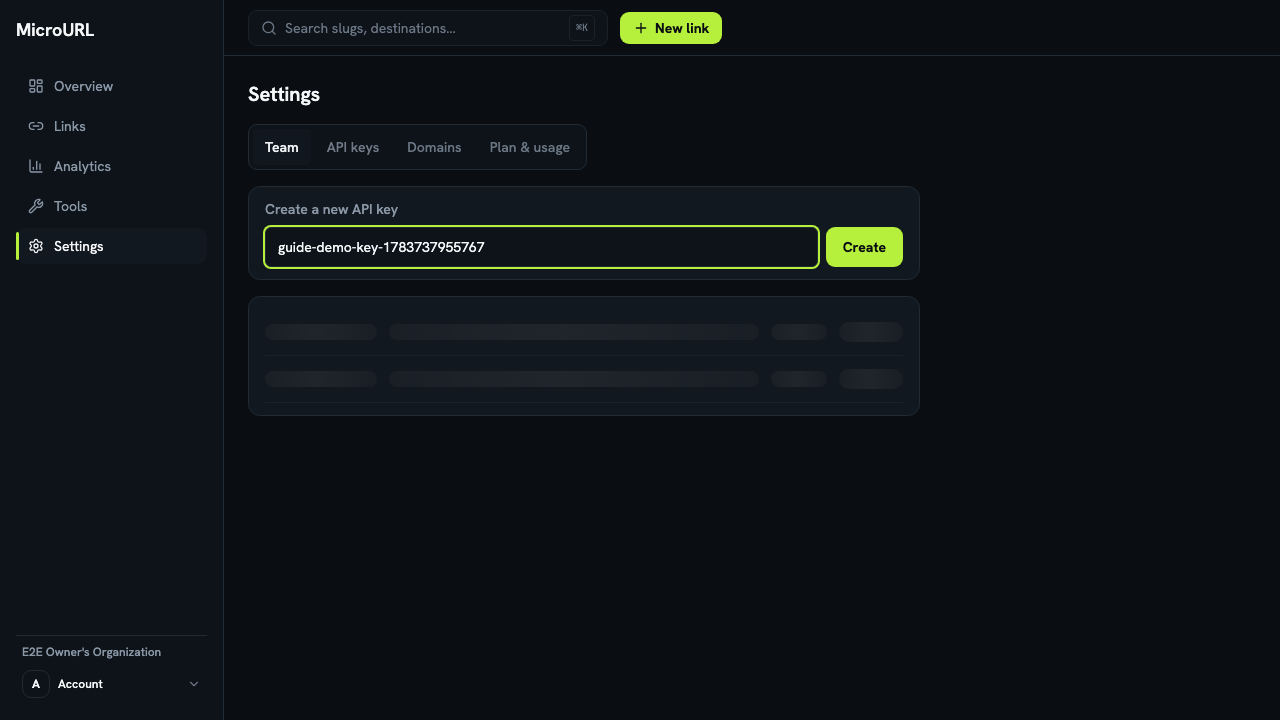
Go to Settings → API keys
Give the key a name that reminds you what it’s for — e.g. CI script — and click Create.
2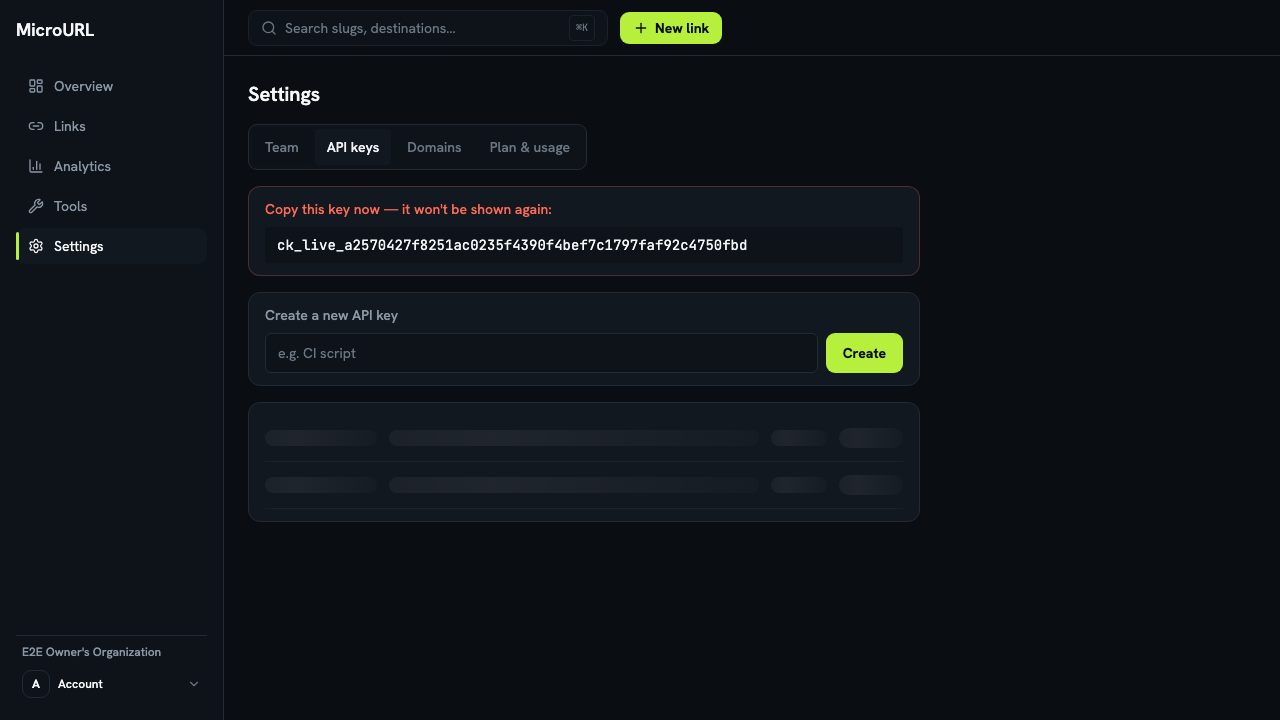
Copy the key immediately
The full key is shown exactly once. Copy it somewhere safe now — MicroURL only stores a hash of it, so it can’t be shown to you again later.
3
Use it against the REST API
Full endpoint reference, authentication, and rate limits are documented at /docs.
4
Revoke a key you no longer need
Click Revoke next to any key. Requests using it start failing immediately — this can’t be undone.