 MicroURL
All guides
Bulk import from CSV
Add up to 100 links at once from a CSV file instead of creating them one at a time.
1
Go to Links → Import CSV
From your Links list, click Import CSV.
2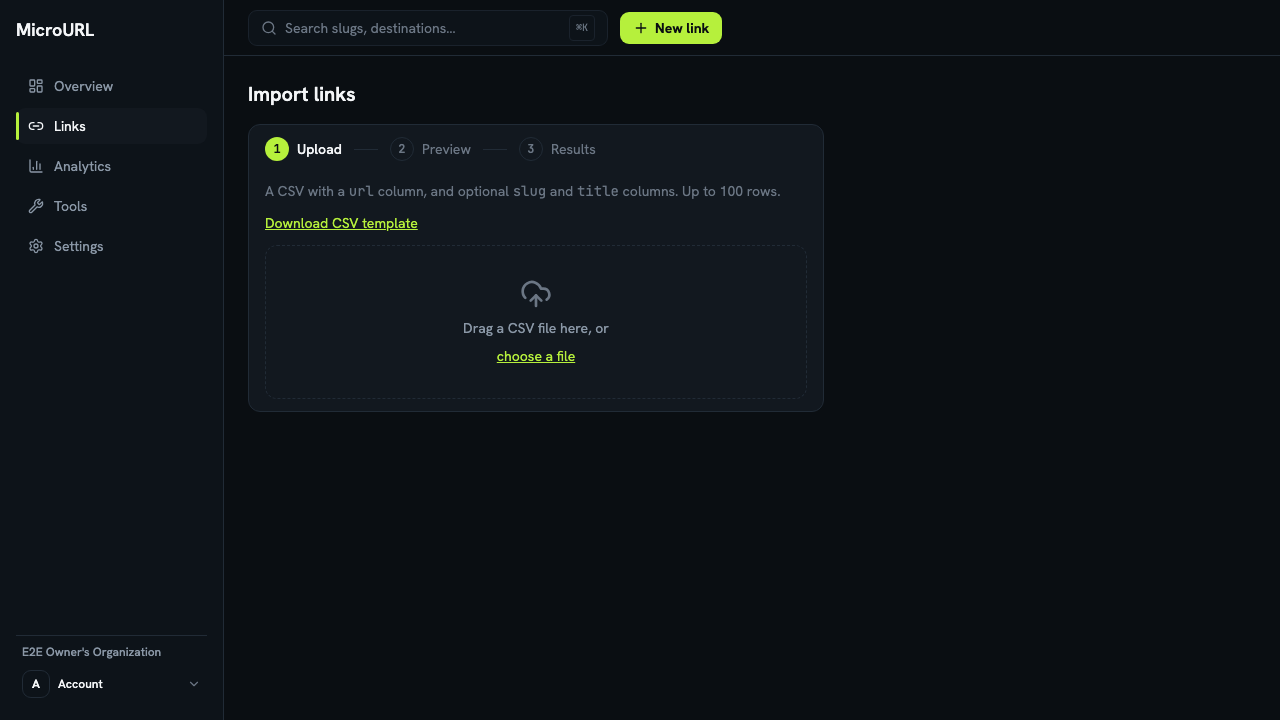
Prepare your CSV file
Your file needs a url column, and optional slug and title columns. Click Download CSV template if you want a starting point.
3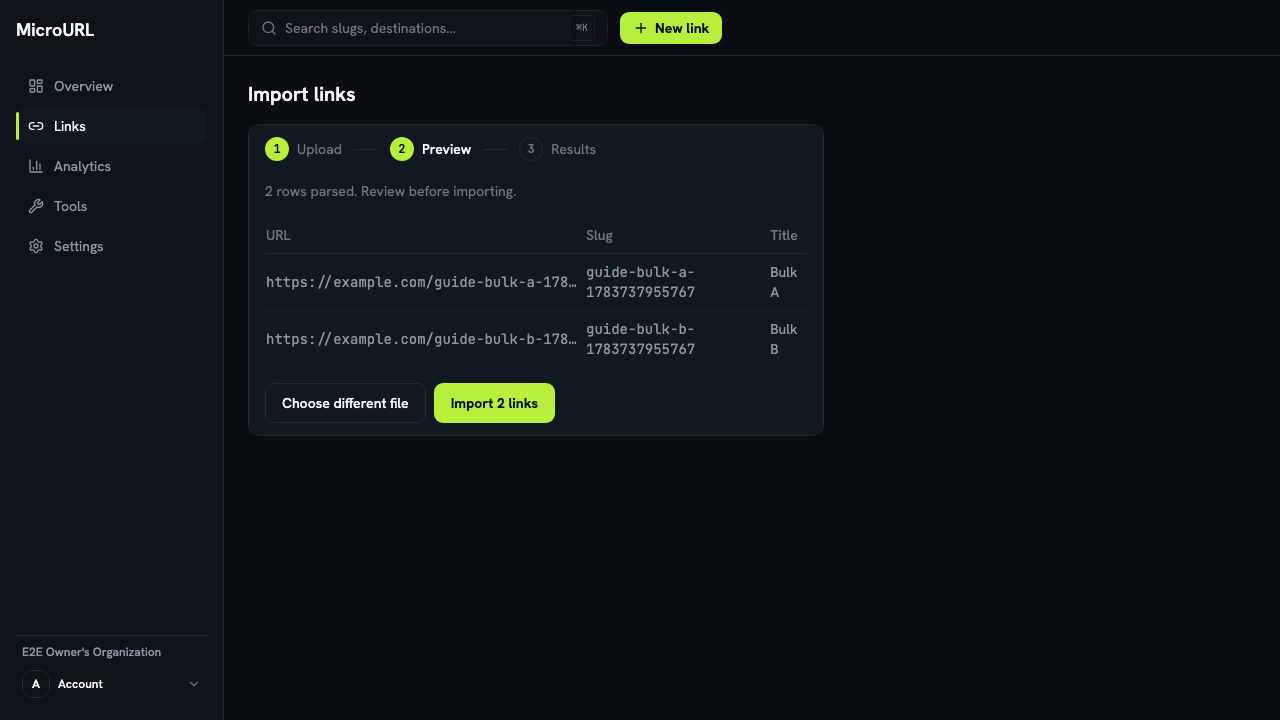
Upload and review
Drag your file onto the upload area, or click choose a file. Every row is parsed and shown to you before anything is created — check the URLs, slugs, and titles look right.
4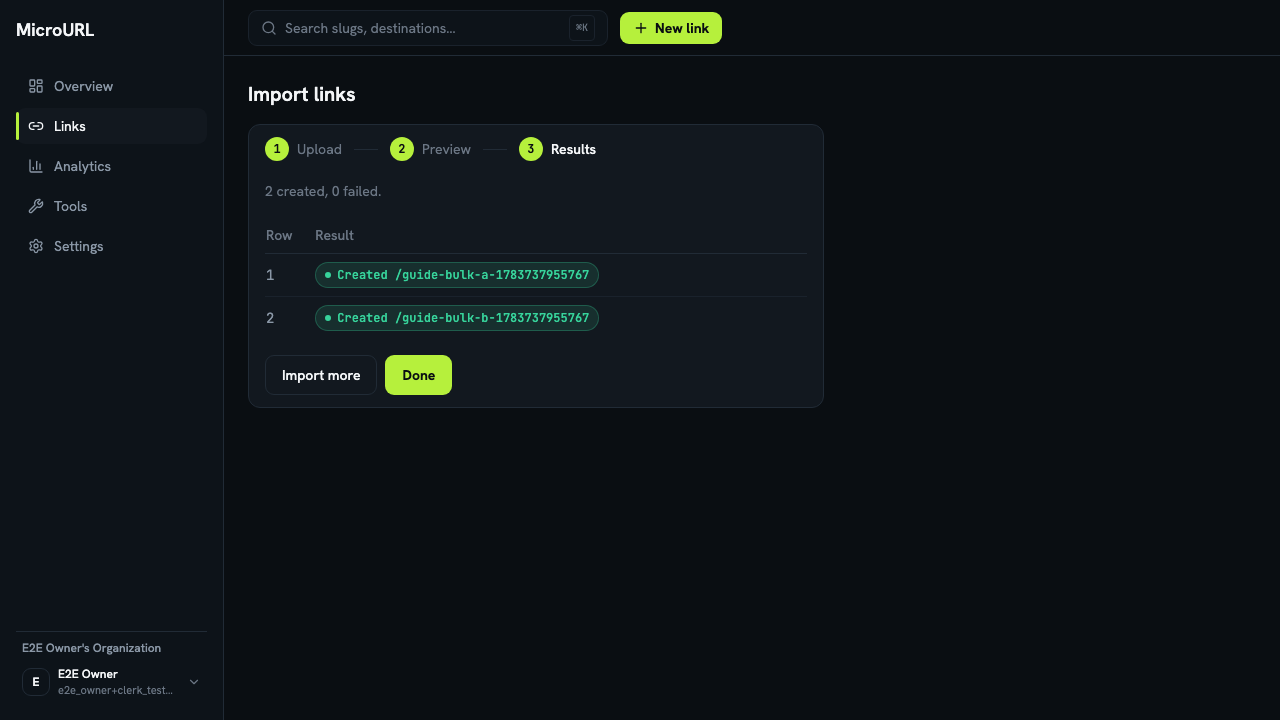
Import and check results
Click Import N links. Each row’s result is shown individually — if any rows fail (e.g. a duplicate slug), you can Download failed rows as CSV, fix them, and re-import just those.