 MicroURL
All guides
Organizing links with tags
Label links by client, listing or event, then filter your links list and your analytics to just that tag.
1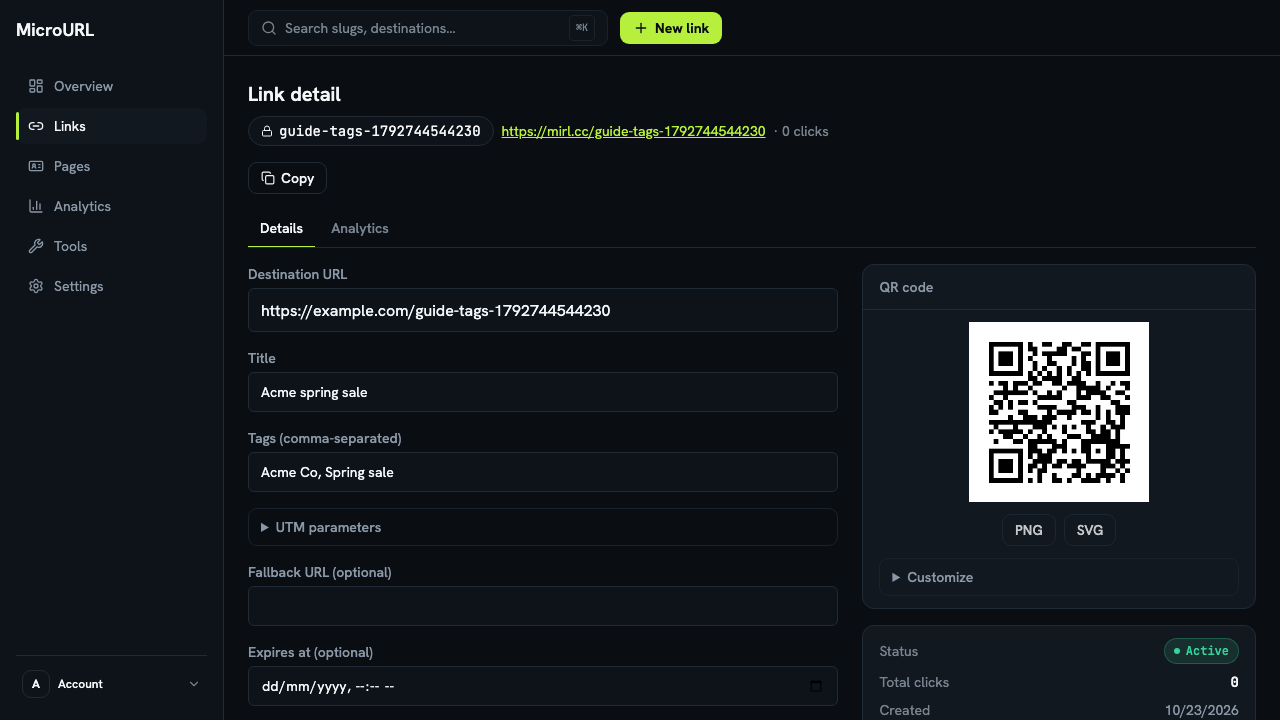
Add tags to a link
Open a link and type tags into Tags (comma-separated), for example Acme Co, Spring sale, then click Save changes. A link can have up to 10 tags. You can also add tags when creating a link or through the API.
2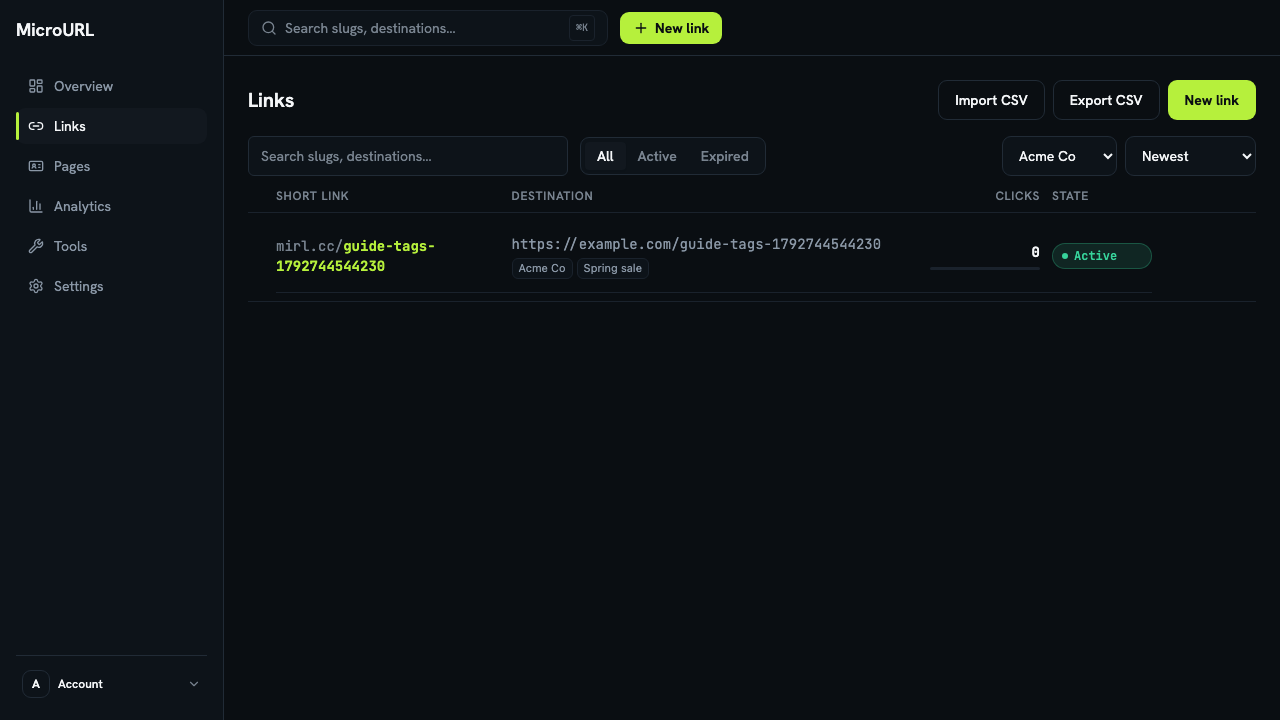
Filter your links by tag
On the Links page, pick a tag in Filter by tag to see only those links.
3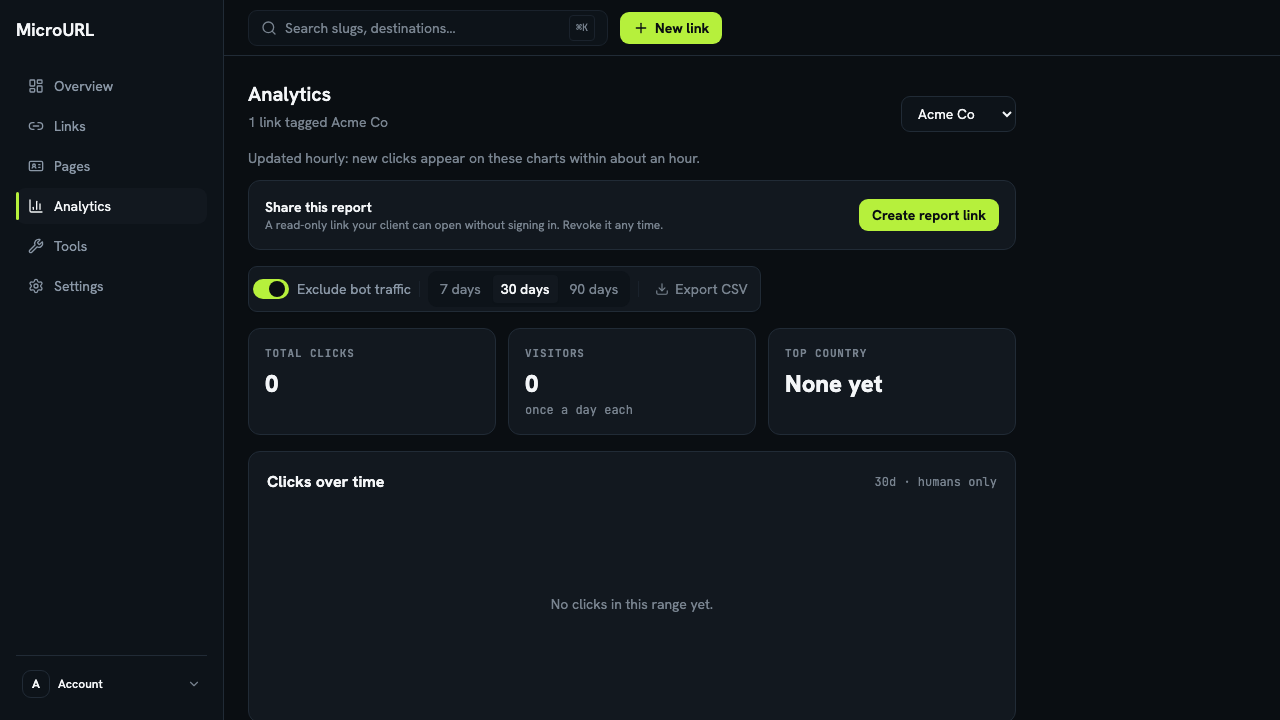
See analytics for one client
On Analytics, choose a tag in Filter analytics by tag. Every chart, and Export CSV, then covers only the links with that tag. That’s a client’s monthly report in one click.