 MicroURL
All guides
Inviting your team
Share one MicroURL workspace with your team instead of everyone using separate accounts.
1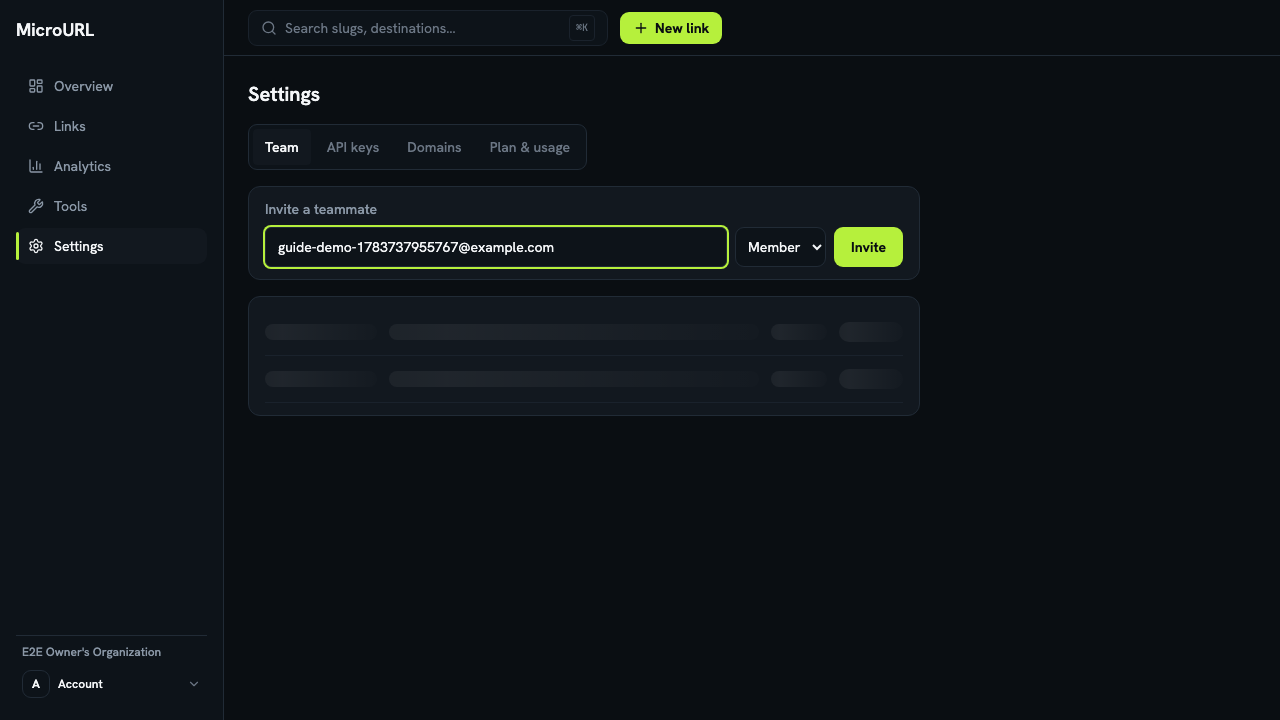
Go to Settings → Team
Enter your teammate’s email address and choose a role: Member or Owner.
2
Click “Invite”
They’ll appear in your team list immediately as Pending — you can see the invitation is out even before they accept it.
3
They accept by email
Your teammate gets an email with a link to join. Once accepted, they show up as an active member of your workspace with the role you chose.