 MicroURL
All guides
Getting started
Create your first short link in under a minute — no credit card required.
1
Create a free account
Sign up at getmicrourl.com/sign-up. The free plan includes 50 links/month and 1,000 tracked clicks/month.
2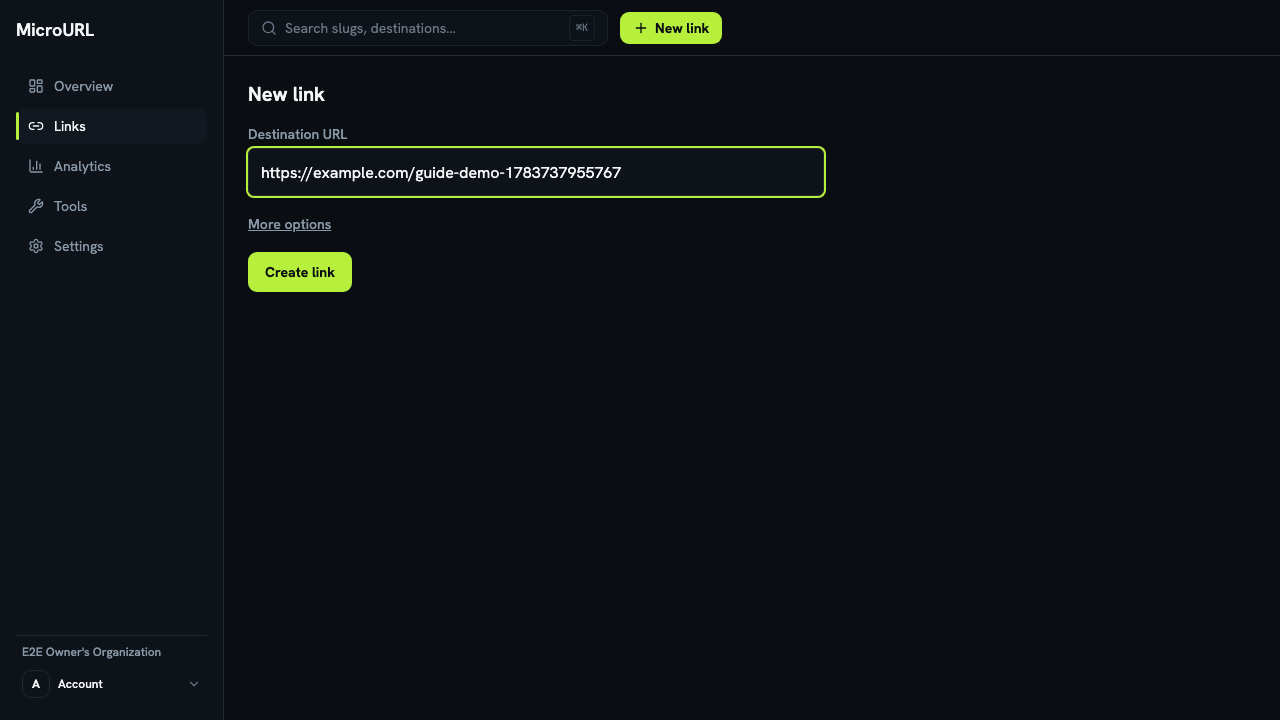
Click “New link” and paste your destination
From your dashboard, click New link and paste the URL you want to shorten into Destination URL.
3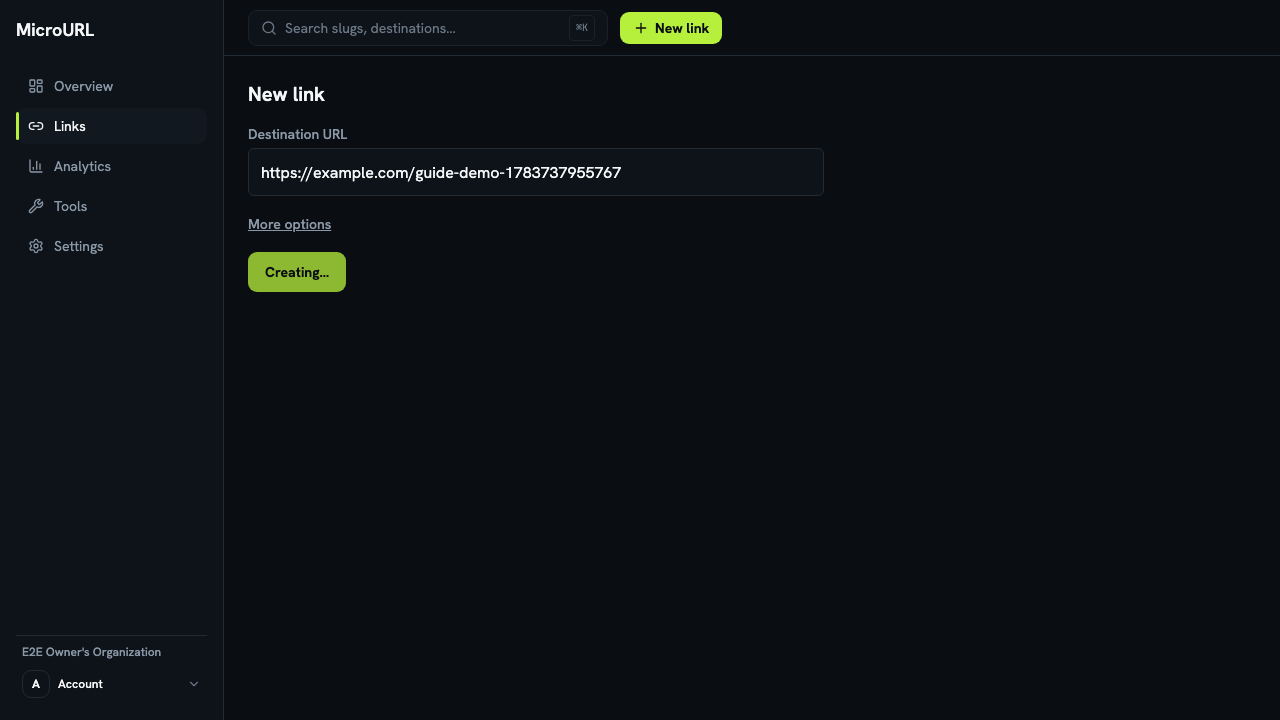
Click “Create link”
Your short link is created immediately and copied to your clipboard automatically — paste it anywhere.
4
Share it, then check your analytics
Every click is tracked in real time. See Understanding your analytics for what each chart means.